

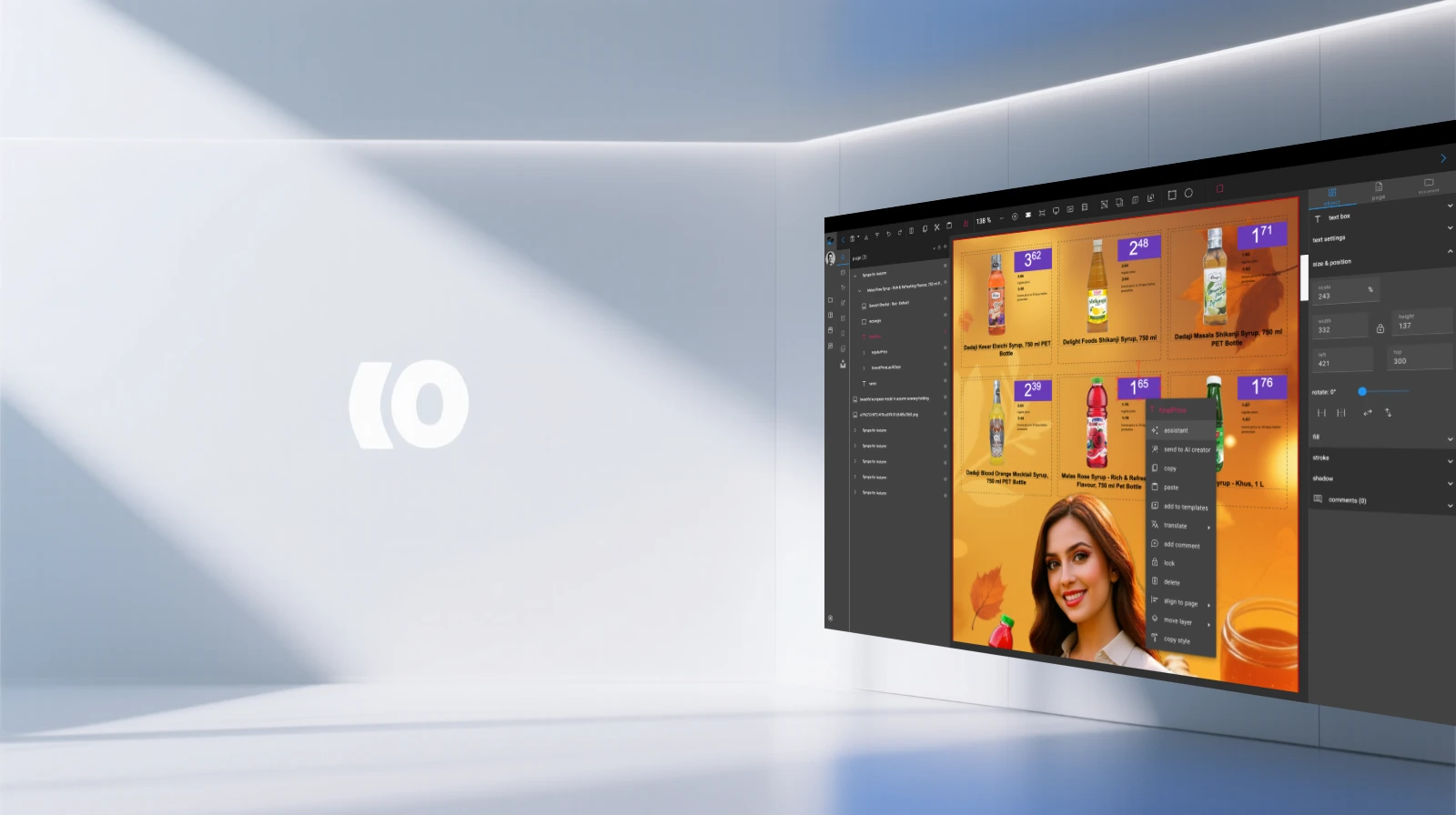
Professional Editor
Experience pixel-perfect design control with an intuitive drag-and-drop interface. Create stunning marketing materials for print, digital, and social media with real-time previews.
Intuitive Drag-and-Drop Interface
Our editor is built around a simple yet powerful drag-and-drop interface. This allows you to quickly and easily add, arrange, and manipulate objects on the canvas. With smart guides, grid snapping, and pixel-level control, you can achieve the perfect layout every time.
Smart guides and grid snapping for precise alignment
Pixel-level control for professional accuracy
Instant object manipulation and positioning
Intuitive workflow that reduces learning curve
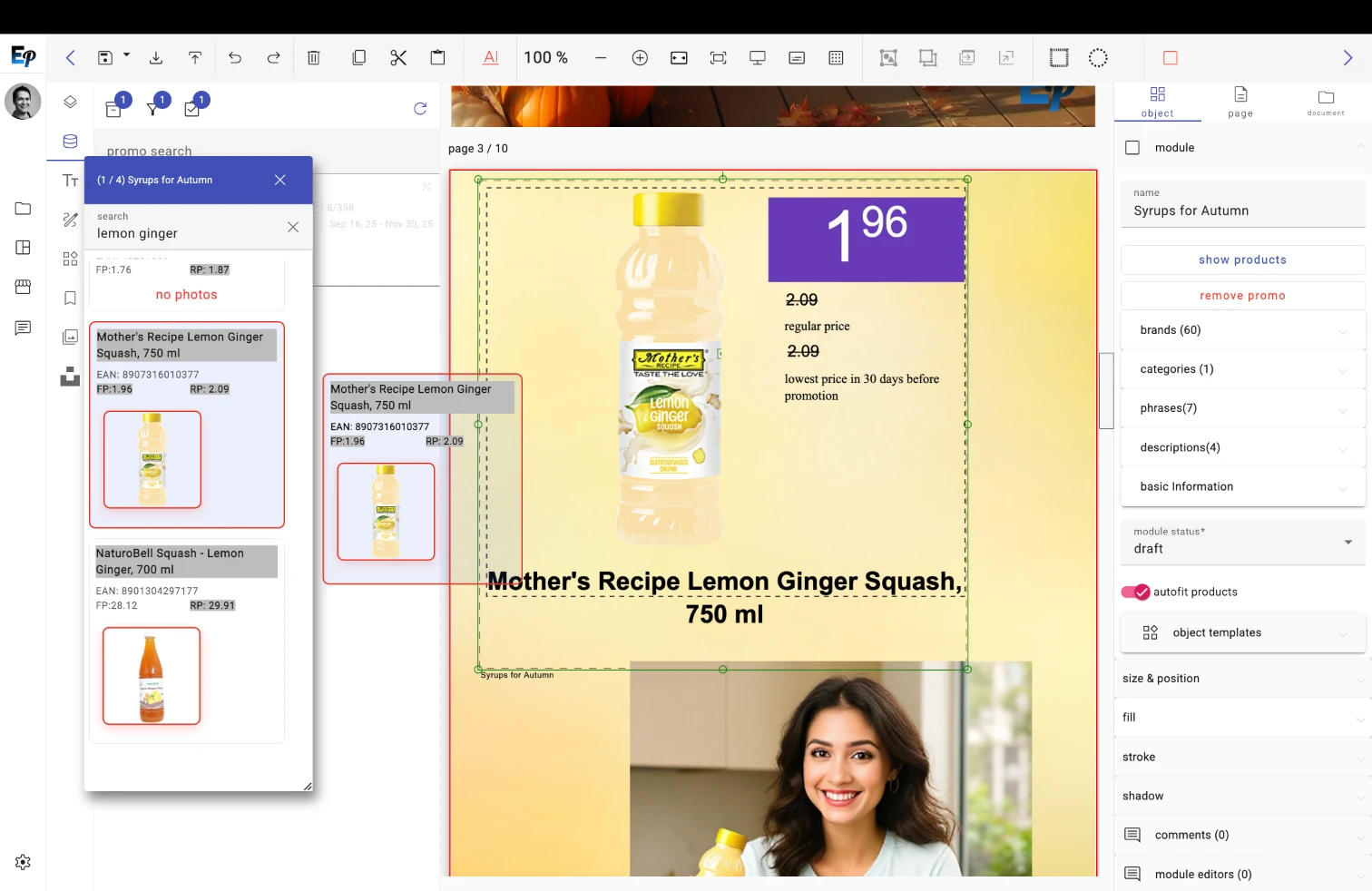
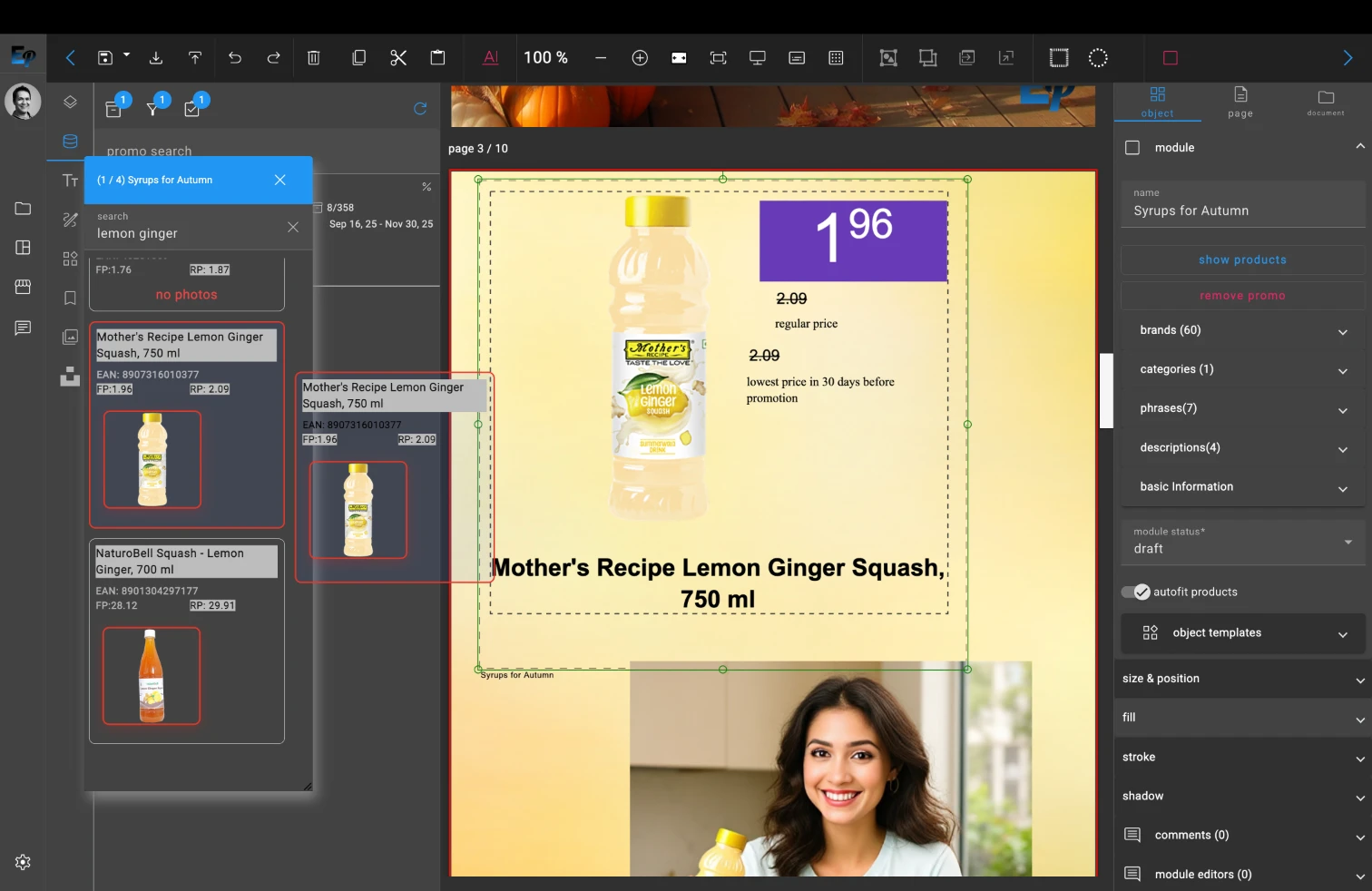
Experience effortless design with our intuitive drag-and-drop interface
Advanced Layer Management
Take full control of your designs with our advanced layer management system. You can stack, group, lock, and blend multiple objects to create complex and intricate designs. The intuitive layer panel makes it easy to navigate and manage even the most complex projects.
Hierarchical layer organization with groups
Advanced blending modes and opacity controls
Lock and hide layers for workflow efficiency
Visual layer thumbnails for quick identification
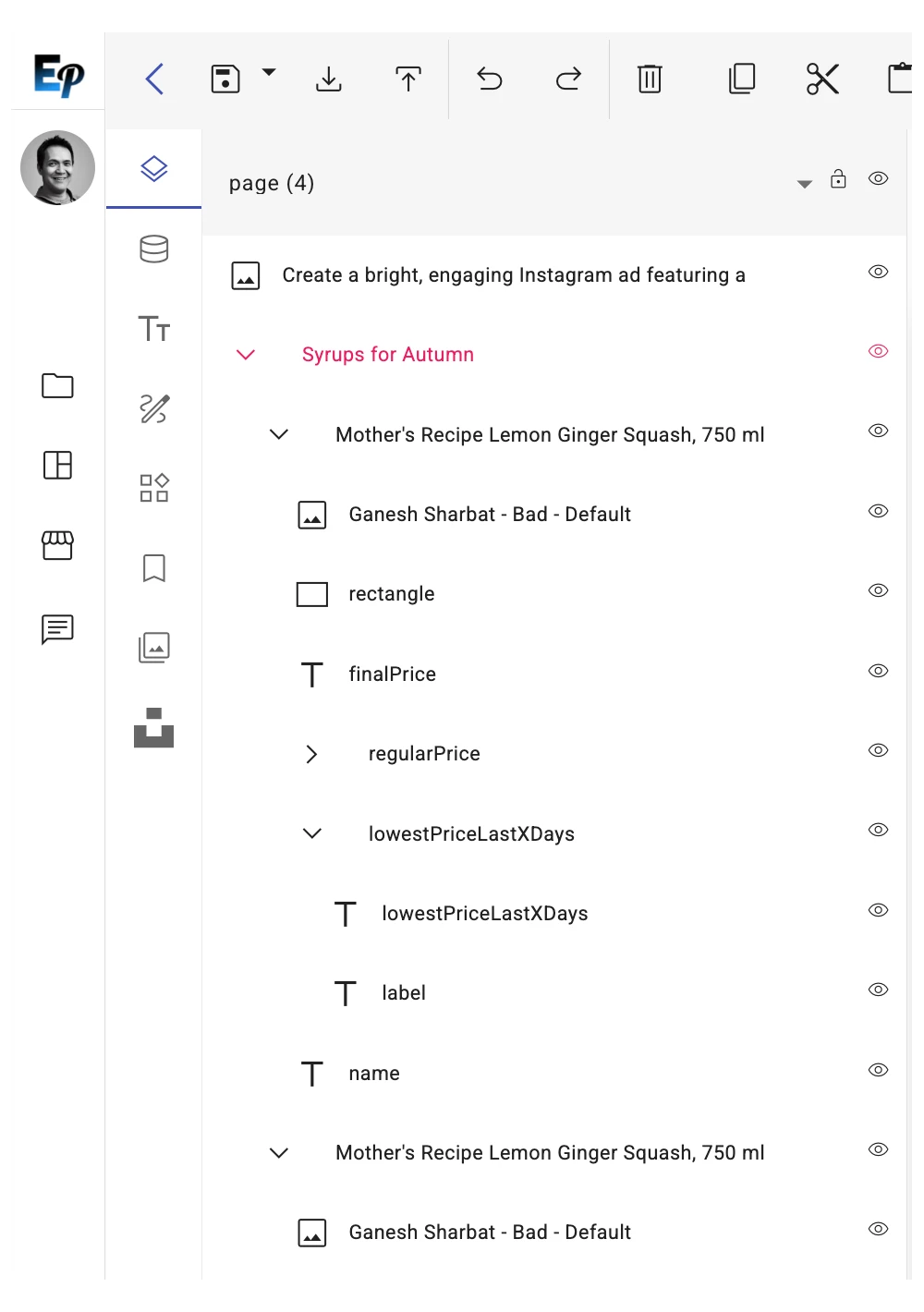
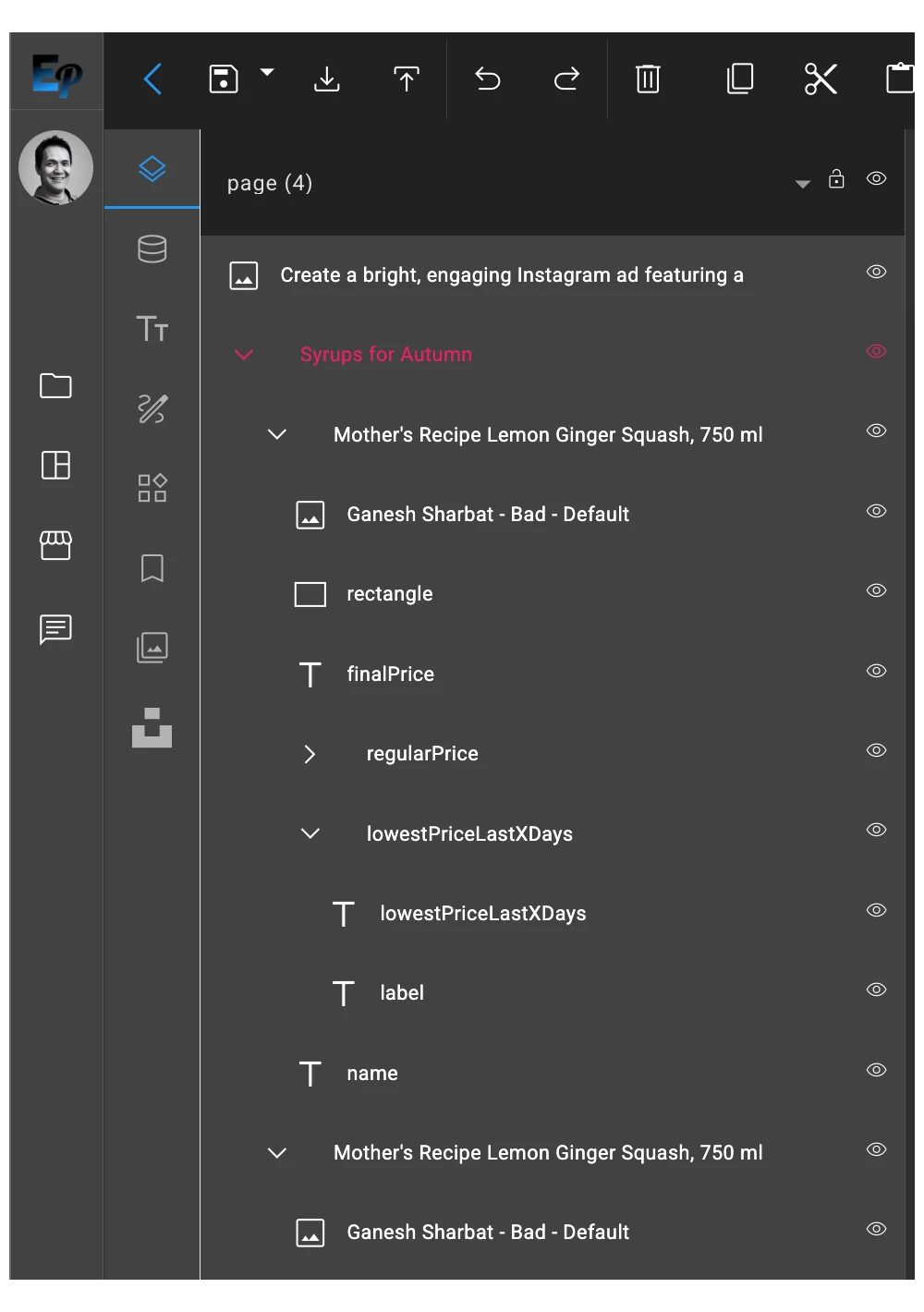
Master complex designs with our powerful layer management system
Powerful Object Editing
EditoPro provides a comprehensive set of tools for editing objects. You can adjust the opacity, add effects like shadows and glows, and apply transformations like scaling, rotating, and skewing. Our editor also includes advanced text editing capabilities, with support for custom fonts, styles, and effects.
Professional effects: shadows, glows, and filters
Advanced text editing with custom fonts
Precise transformations and adjustments
Real-time preview of all changes
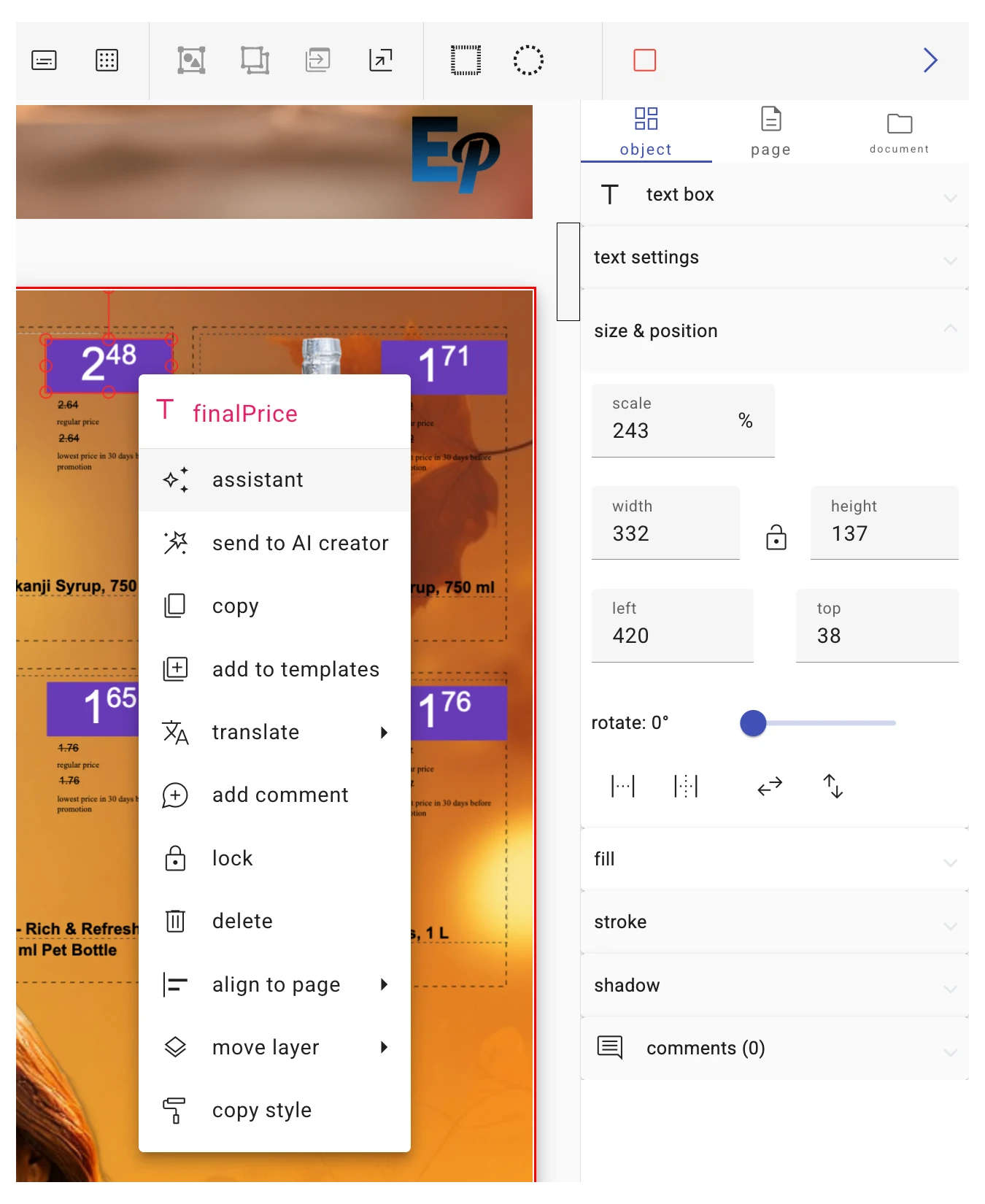

Transform your ideas with powerful editing tools and effects
Dynamic Templates
Streamline your workflow with our dynamic template engine. You can create and save custom templates with reusable components and style libraries. This makes it easy to maintain brand consistency and create new content quickly and efficiently.
Extensive template library for all use cases
Custom template creation and sharing
Brand consistency enforcement
Rapid content generation from templates
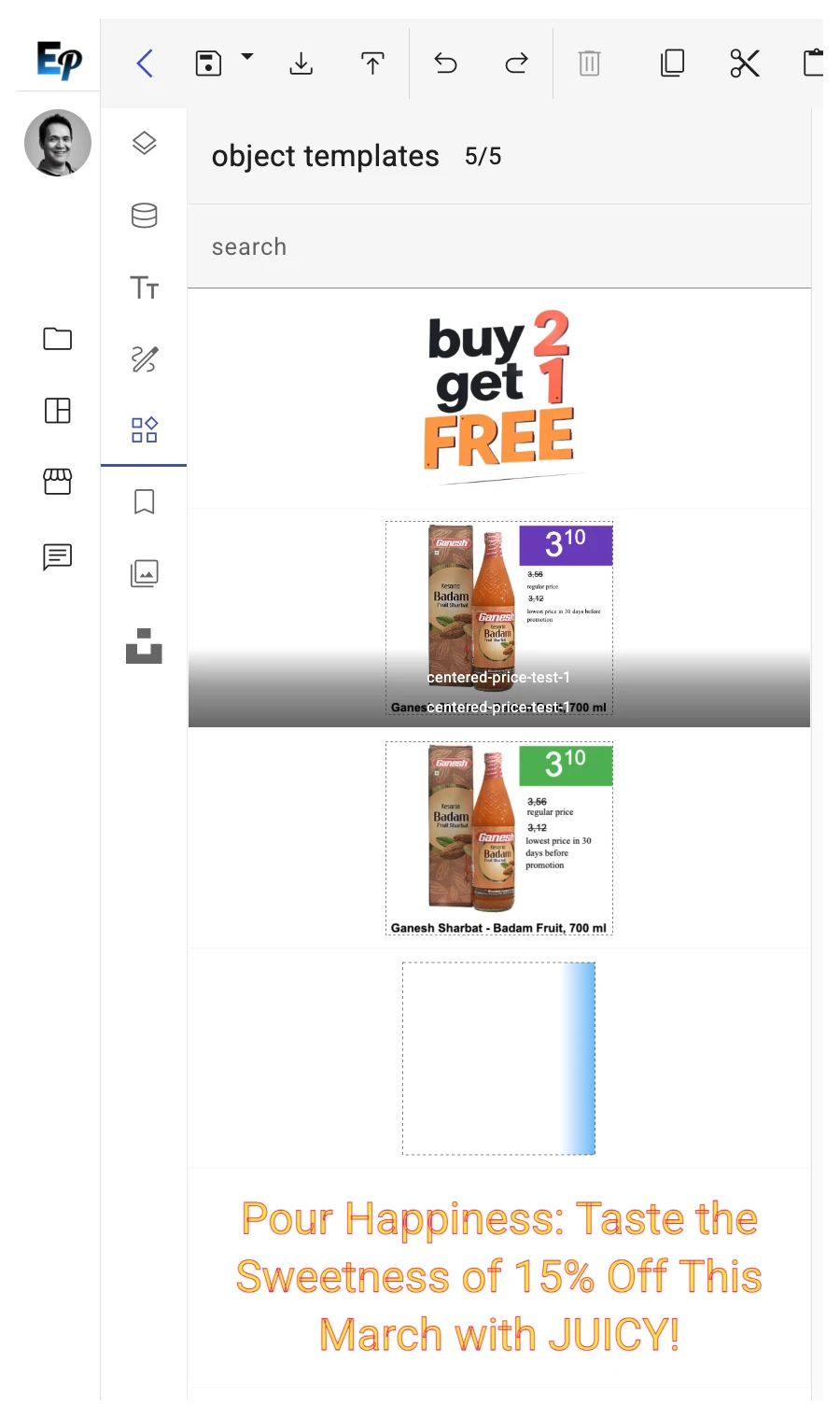
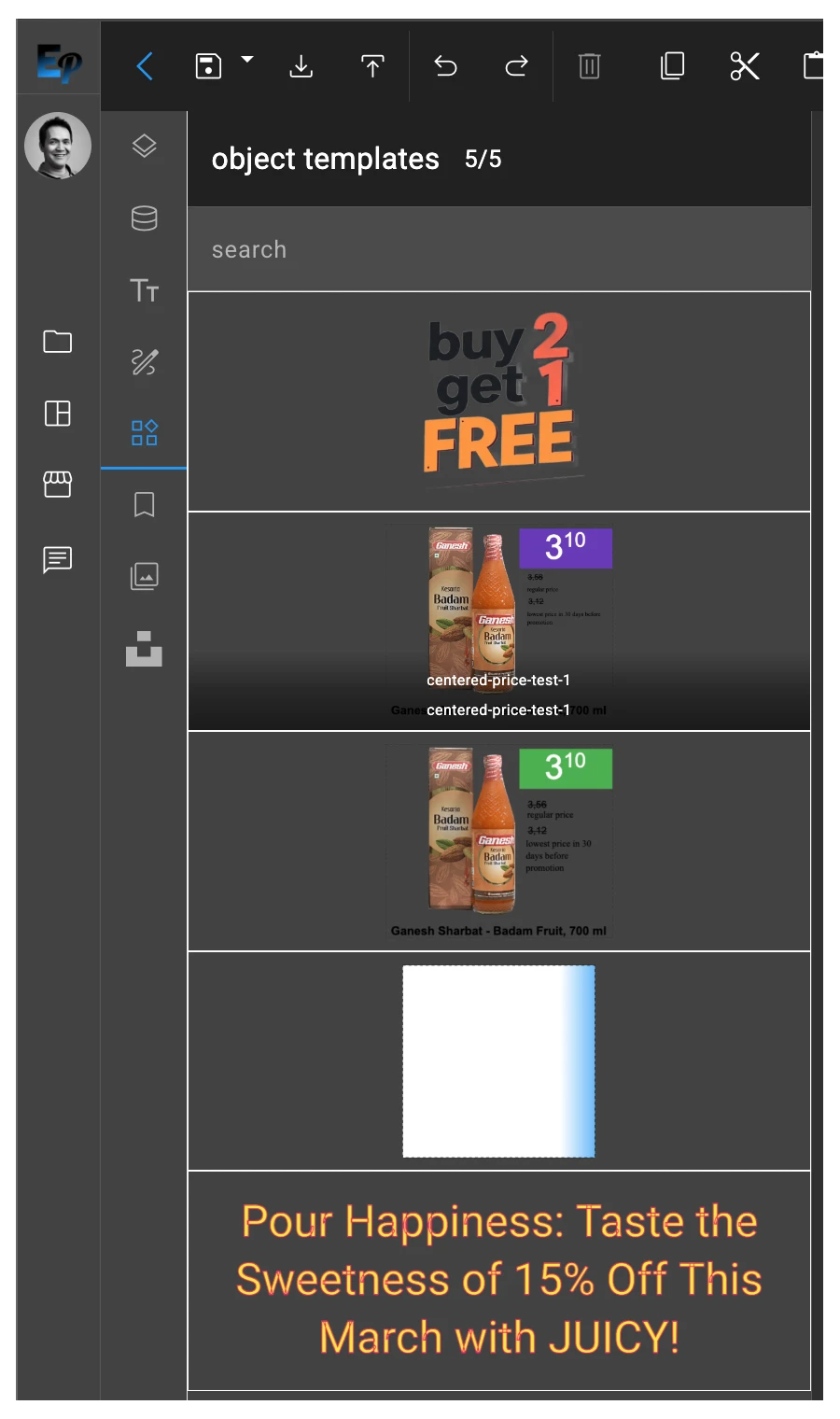
Accelerate your workflow with our comprehensive template library
AI-Powered Assistance
Leverage the power of artificial intelligence to enhance your creativity. Our editor includes a built-in AI assistant with an integrated prompts library. You can use it to generate layouts, text, and design suggestions in real time, helping you to overcome creative blocks and produce better content, faster.
Real-time AI design suggestions and layouts
Integrated prompts library for inspiration
Intelligent text and content generation
Creative block elimination with AI assistance
Unlock unlimited creativity with AI-powered design assistance
Real-Time Previews and Export
Preview your designs in real time to ensure they look perfect on any platform. Our editor provides accurate rendering previews for print, digital, and social media formats. When you're ready to export, you can choose from a variety of formats, including high-resolution PDFs for print, optimized images for the web, and videos for social media.
Real-time preview across all platforms
Multi-format export capabilities
High-resolution output for professional printing
Optimized formats for web and social media
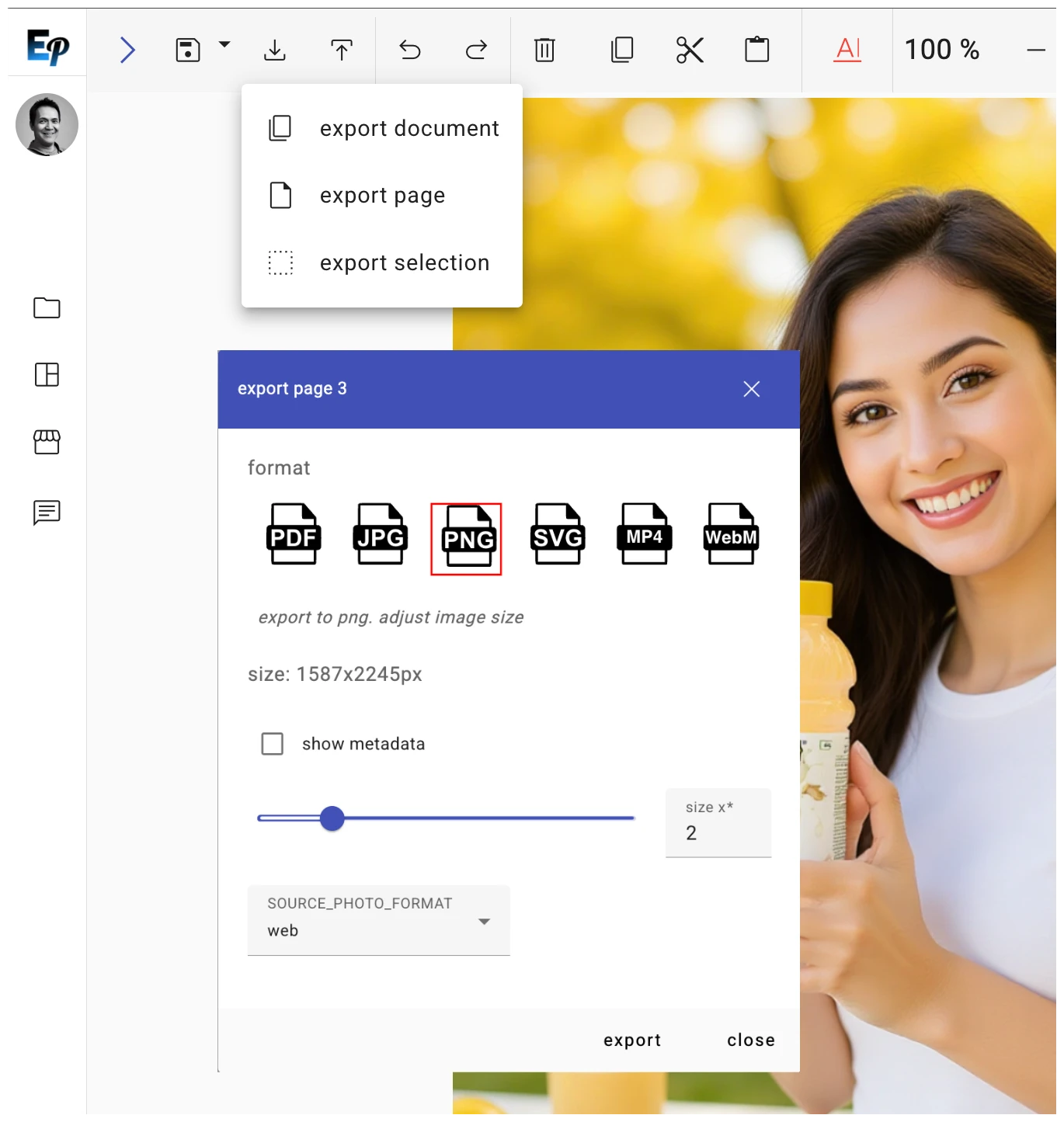
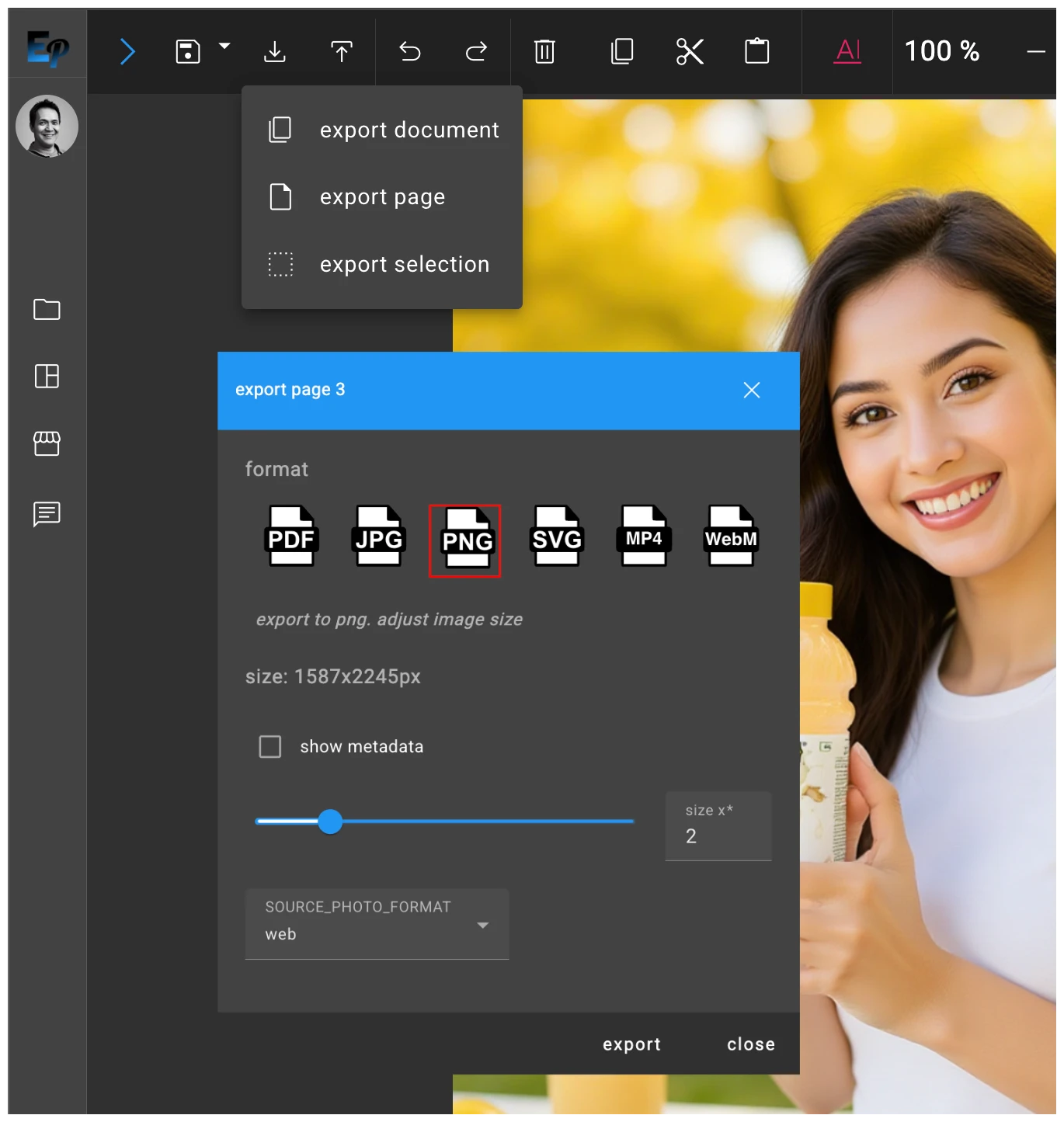
Perfect output for every platform with our advanced export system
Document Management and Versioning
EditoPro includes a robust document management system with support for versioning and diffing. This allows you to track changes, revert to previous versions, and collaborate with your team more effectively.
Complete version history with visual diffs
One-click revert to any previous version
Collaborative editing with conflict resolution
Automated backup and recovery systems
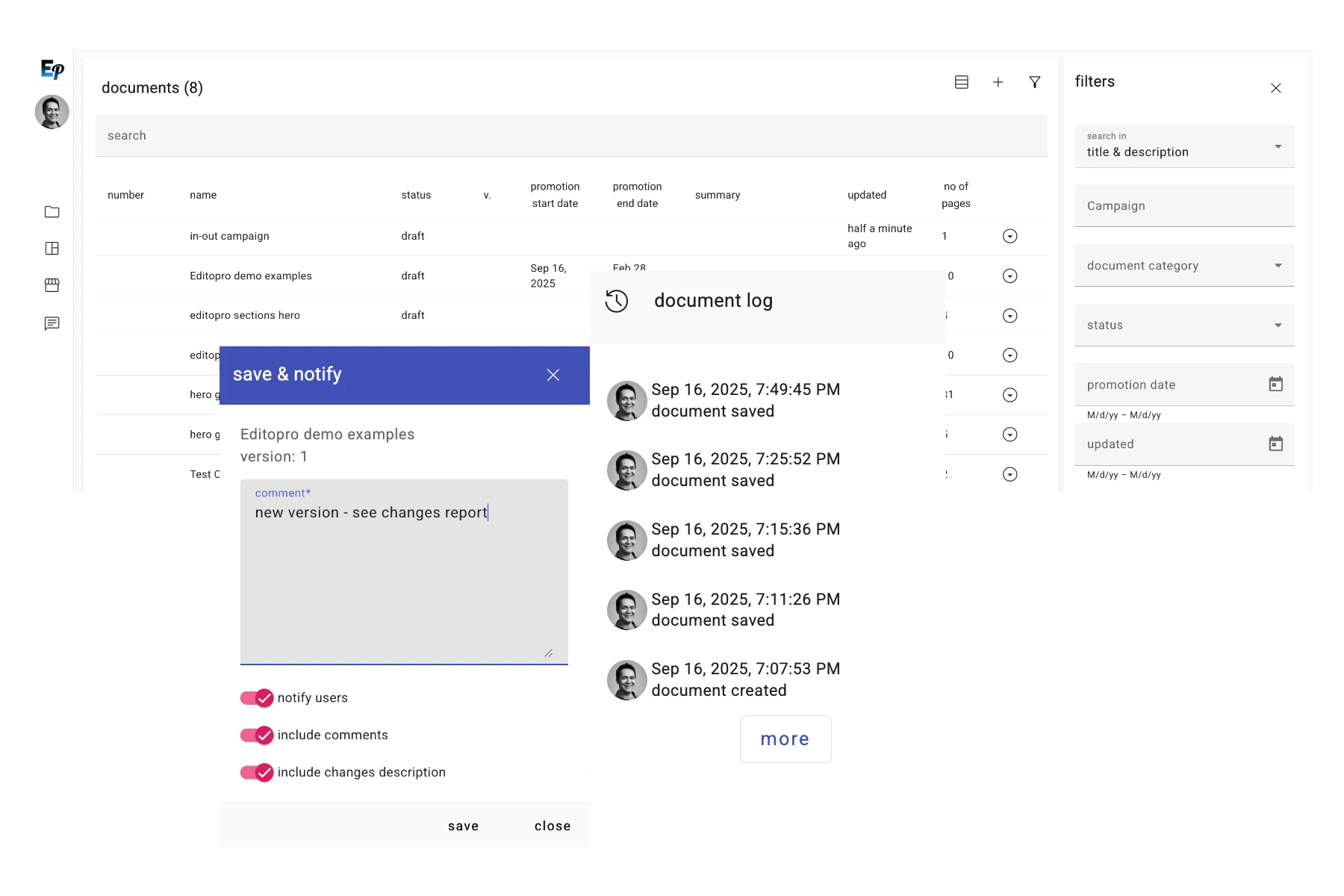
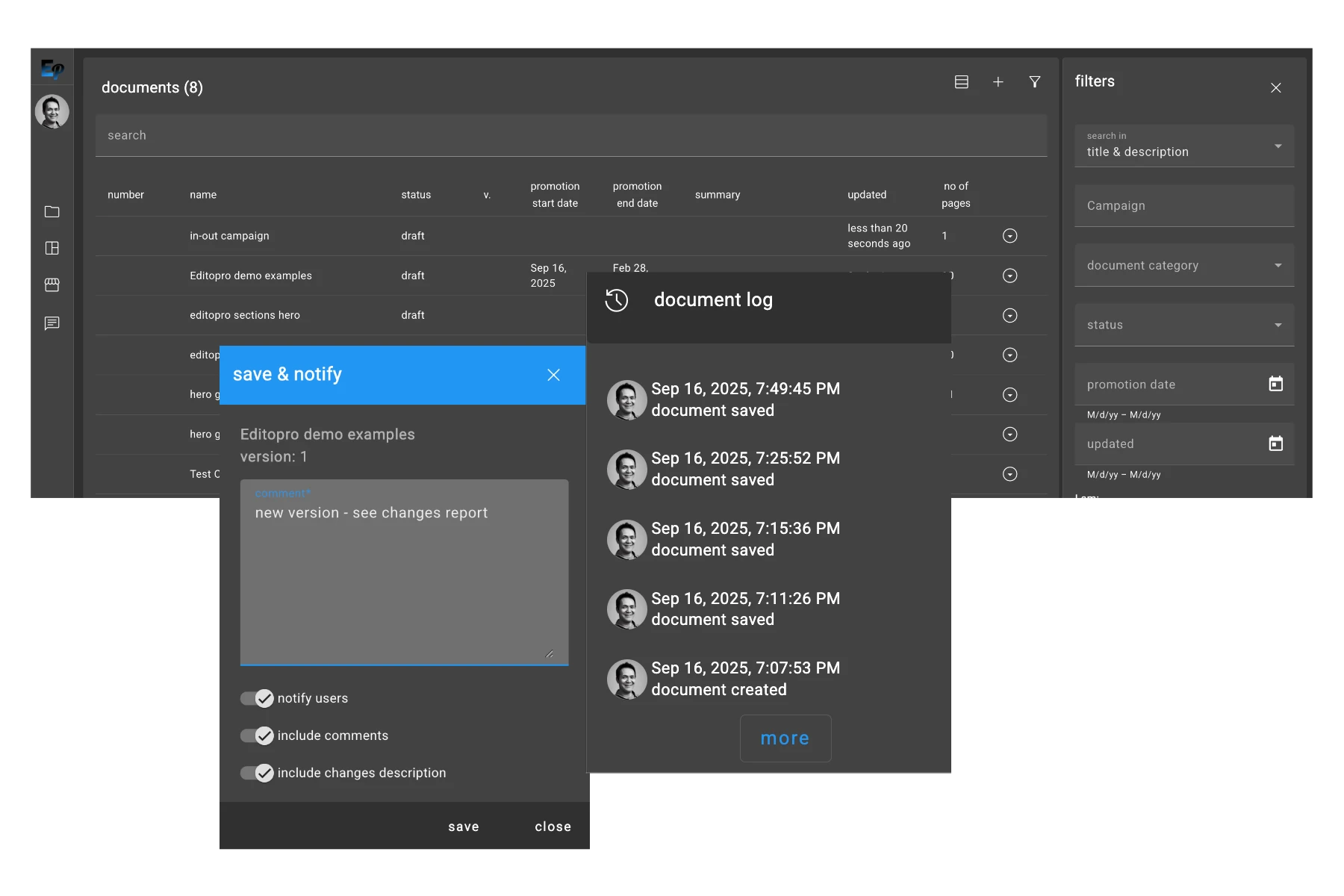
Never lose work with our comprehensive version control system
Team Collaboration
Collaborate with your team in real time with our built-in commenting and annotation tools. You can leave feedback, ask questions, and resolve issues directly within the editor, streamlining your review and approval process.
Real-time collaborative editing
Contextual comments and annotations
Streamlined review and approval workflow
Team permissions and access control
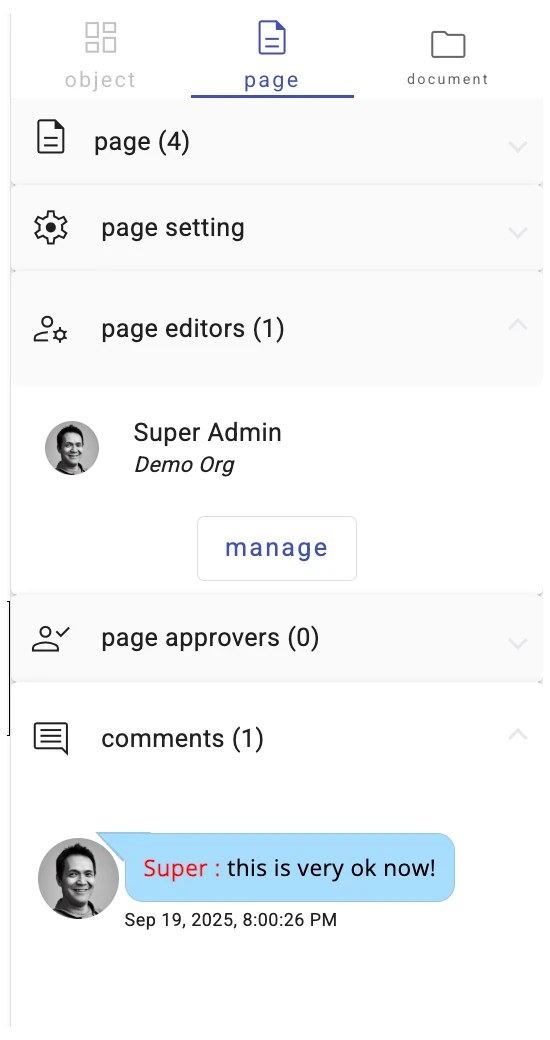
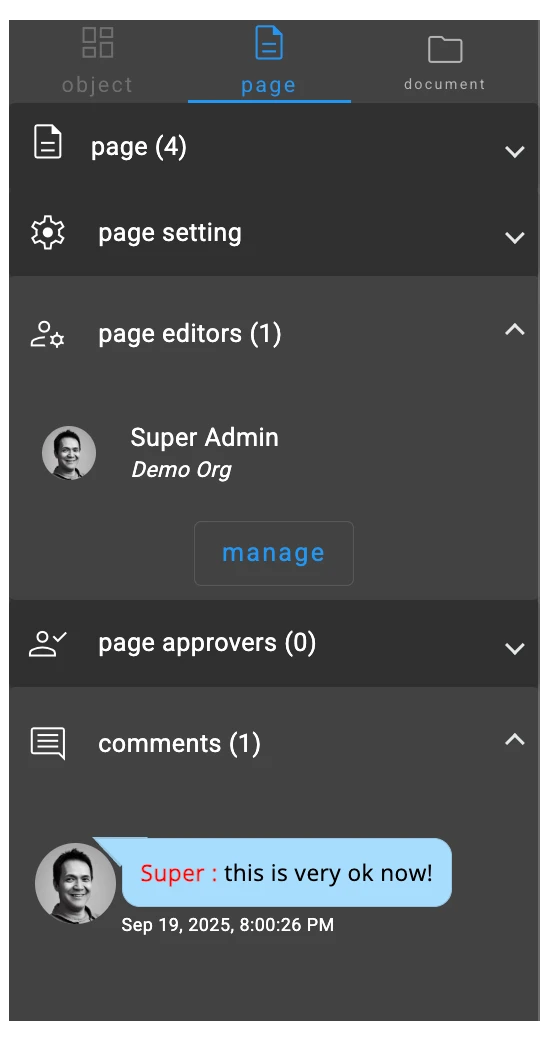
Collaborate seamlessly with your team
More Than Just an Editor
Powerful Features
Advanced tools for professional content creation
Intuitive Interface
Easy-to-use design that anyone can master
Professional Results
Deliver high-quality content every time